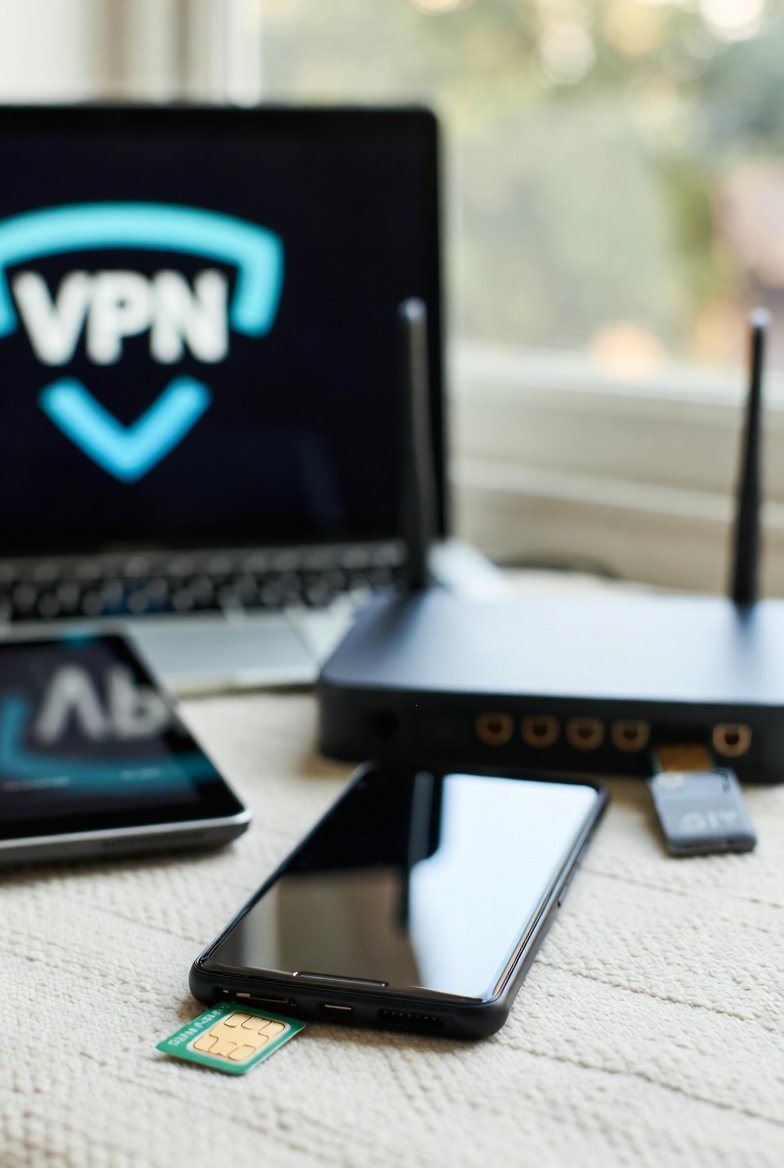

While traveling internationally, the tools and systems to manage communication and data access are critical for multiple reasons. These data and communication tools include eSIMs, phone plans, and VPNs. Staying in contact with friends and family is an obvious important use case. More importantly though, these communication tools provide access to our financial tools.
Critical Security Function
These communication systems facilitate one thing that is important above all other purposes, which is two-factor authentication.
If you are unfamiliar with two-factor authentication, I’d wager you are using it without realizing it. Most accounts that you have require a password to log in, and that password is one factor of authentication. With just that one factor, the only barrier between an attacker and your account is the attacker discovering that password. If your password is weak (e.g. abc123, password, evensomethinglikethis, etc), a very simple code loop can find the password by trying every possible letter and number combination until the login succeeds (aka brute force attack).
A second factor of authentication is needed to increase the barrier between an attacker and your account. The most common way this is done is by enabling two factor authentication on your accounts, and choosing to have a one time code sent via text or email. That code is the second factor and has to be entered alongside your password to gain access to your account. An attacker would not only have to determine your password, but also compromise your email account or phone in order to get to your account.

In order to access these one time codes for two factor authentication, communication and data tools are required. You need a working phone plan to receive text messages, you need data to access your email, and you need a VPN to keep your communication secure.
Phone Plan
Years ago we finally got tired of paying over $100/month for two cell phones with service through Verizon. The service was good but the price seemed increasingly absurd over time as low cost competitors emerged. In shopping around we found Google FI, which had very straightforward plans and affordable pricing. The pricing doesn’t seem to have changed much over the past several years. We have the “flexible” plan which is $20/month for the first line with 10GB of data, $35/month for two lines, and $50/month for the three lines that we currently have.
With Google FI we noticed no reduction in cell coverage compared to Verizon. Our phones are now WAY better, as we upgraded from the Samsung phones of the time to Pixels. They have amazing camera quality, zero lag, no bloat, and seamless integration between the phone, phone plan and provider. These phones and plans have all sorts of cool features like AI enhanced audio, call screening, Wi-Fi calling, data tethering, etc.
International Features
A feature I didn’t care about at the time we signed up with Google Fi was their international capabilities. As we prepared for this year of travel though, I realized we may have lucked into the perfect phone plan. Google FI just works in most countries without doing anything at all. You can just show up in most countries and your data, calls, and texts will work.
Our situation was a little different though. We were leaving for an entire year straight, which runs up against a provision of the international data fine print. If you use international data for the majority of any 90 day period, Google will disable your international data. We would have ended up triggering that shutoff at the 45 day mark of our trip.
The solution for this turned out to be simple. We just needed to get an eSIM for our phones so we could switch to the eSIM data and away from Google FI data while international. This setup of Google FI + eSIM has worked flawlessly while traveling internationally.
Additional Benefits
Airbnb Wi-Fi Problem
At our Tokyo Airbnb we had an issue with the Wi-Fi where we couldn’t get more than five devices to connect to it. We contacted the Airbnb host to ask what was up, and she said “yeah, you can only connect five things”. I have never encountered a limit like that in any Airbnb up until that point. In this day of connected devices it’s just insufficient. We have 12 devices total that connect to wifi. To add to the issue, we started connecting unimportant things (e.g. kindles) before knowing about the issue. Without admin access to the wireless router, we had no way to unregister those devices to make way for more important devices.
Turning My Phone Into A Router
We floundered for about a day trying to figure out how we were going to do school with only one laptop connected to the internet. My sleep deprived brain finally worked through the problem and discovered that my Pixel 8a offered a solution. That being the advanced capabilities of the Wi-Fi hotspot feature, which turns my phone into a wireless router. With this feature I can share the Airbnb Wi-Fi connection with other devices via my phone, side-stepping the five device limit.
Any device not connected directly to the Airbnb Wi-Fi was connected to my phone’s Wi-Fi hotspot in order to share the Airbnb Wi-Fi. I was very impressed that my phone could use the Wi-Fi and share it with several other devices without any noticeable network lag on any of the devices. It’s not a purpose built router, but it does the job beautifully.
There are some key settings to ensure you are sharing the Wi-Fi data (free) and not your mobile eSIM data (expensive). It will default to the eSIM data first, so it’s important to follow this simple four step process:
- Connect your phone to the Airbnb Wi-Fi
- Turn off mobile data on your phone
- Enable the Wi-Fi hotspot feature on your phone
- Connect other devices to your phone’s Wi-Fi hotspot


eSIM For International Data
As mentioned previously, with Google Fi you will need another way to get international data if you are going to be traveling outside the US for more than 45 days in any 90 day period. That is to stay within the Google Fi data usage requirement of using Google Fi data mostly in the US. This lead me to a search for a global eSIM that could fill the data need across all of the countries we were traveling through.
What’s an eSIM?
If you are unfamiliar with the term eSIM, it is a digital electronic SIM. A SIM is what allows your phone to connect to a carrier (e.g. verizon, T-mobile, etc). Instead of the physical SIM cards of old that you plug into your phone, most modern phones like Pixels use eSIMs instead. When you buy an eSIM you simply scan a QR code to install it, and then just follow some simple instructions to set it up. In this case we were looking for a data-only eSIM rather than one that can also handle calls and texts. With Google Fi the calls and texts work everywhere with no limit to international usage.
Our Pick
Ultimately we bought Airalo Discover Global eSIMs, which provide us each 20GB of data that lasts for one year. The data so far has been more than we need, and the one year timeline matches our trip length. Airalo covers all of our destinations except for Guam, where we had to use Google Fi data instead. Google Fi considers Guam to be international, and we were there just long enough to have an encounter with the Google Fi 45 day rule triggering an international data suspension. That was right as we were leaving Guam though, and we switched back to Airalo in Manila with no issues.

VPN
The third leg of this communication setup is a VPN provider. A VPN encrypts the data sent between your device and the remote service you are accessing (e.g. website, netflix, email server, etc). The benefit is that even if you are on public Wi-Fi with hackers all around intercepting your data transmissions, they can’t read any of it. It is encrypted at an unbreakable level, at least until AI starts using quantum computers.
Another major benefit of VPN is that it allows you to appear as if you are in a different location. We use this most often for watching streaming services. For example the series 11.22.63 on Netflix is not available in Thailand, but if you set the VPN to Denver, Netflix thinks you are in Denver and 11.22.63 appears in the list of available shows. Same with super bowl and olympic coverage on Peacock. This applies to many website as well where we have to set the VPN to a specific location to be able to access the site.
Our Pick
The provider we chose was ExpressVPN. If you ask me why, I can’t give you great selling points over other VPN providers. This is one area where I felt like I was drowning in good options, so I just picked one. I hear VPN products advertised everywhere. Surfshark, Nordvpn, Express VPN, Norton, and on and on and on. ExpressVPN has been fine. It has a ton of connection locations to choose from, and it does the job of encrypting traffic.

We’ve also run into some issues with ExpressVPN. We have been blocked by some sites because the assigned ExpressVPN IP address is listed as an attacker. That’s probably because a hacker at some point had that address assigned to them and did bad things with it. We are also denied access at times to things just because we’re detected using a VPN. I imagine these same issues exist across all VPN providers, which is why I haven’t bothered trying another one.
Recommendations
I have a couple solid recommendations from our experience with data and communication technology abroad.
Phone Plan Provider: You should get Google Fi and call it a day. I don’t have a single complaint about anything related to this service. It has been flawless both at home and internationally, and it even saved us from a sticky Wi-Fi situation in Tokyo.
eSIM International Data: Airalo is a full recommend for this category, without hesitation. Competitors may be great as well, but I haven’t used them and I know first-hand Airalo is solid. Every time we land in a new country and I bring my phone out of airplane mode, the data connection is made and I’m good to go.
VPN: I don’t necessarily recommend ExpressVPN. It has been acceptable, but the issues we encounter have me wondering if I would have better luck with another product. You would be wise to try a different product for a month to see how it compares. I will do that at some point and provide an update to this post.
Leave a Reply